
Summoning Guide
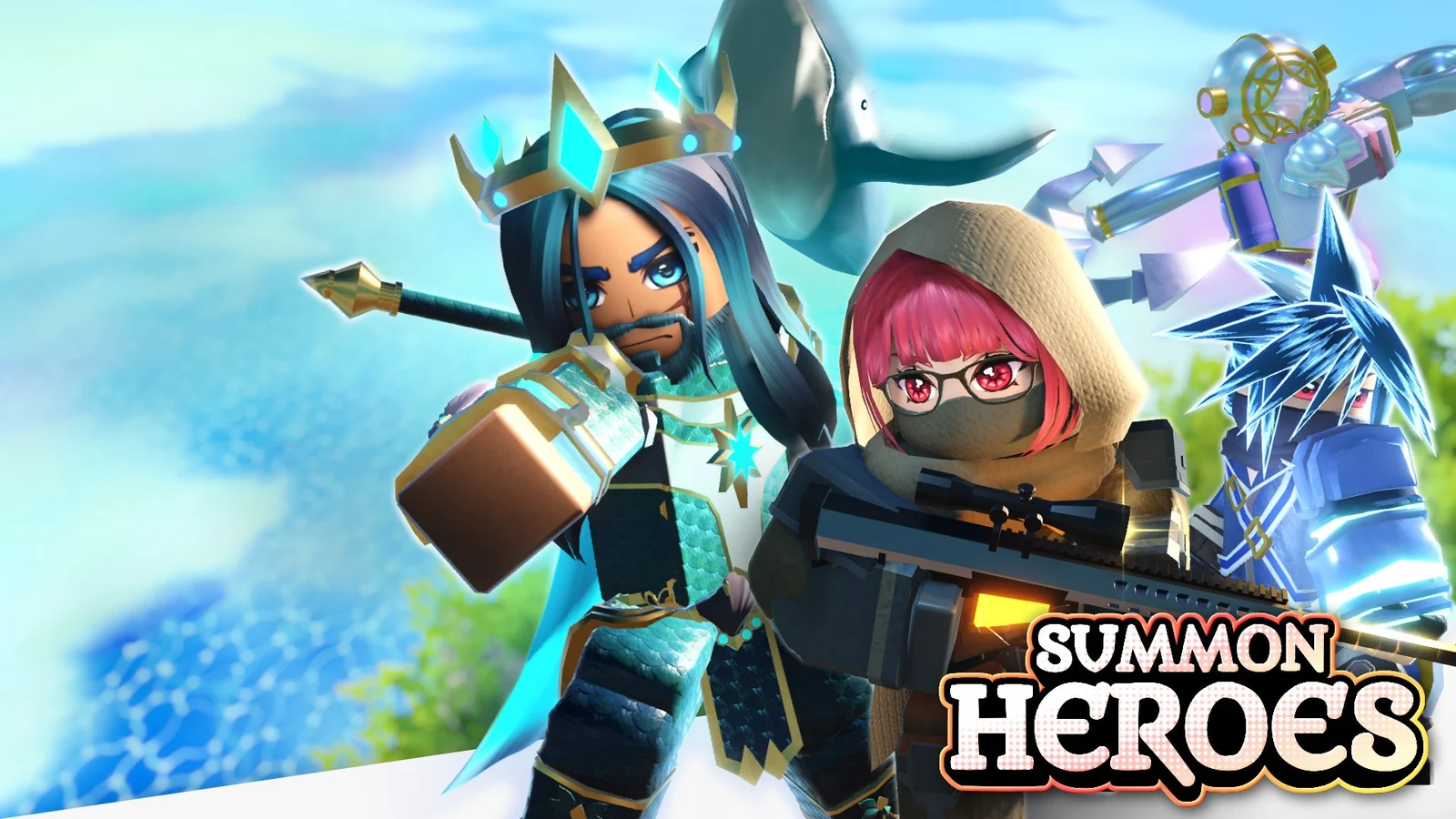
Summoning is where your Gems, tickets, and Mythic Shards turn into units. Spend with a target, and avoid autoselling units you can use for Fusion.
Banner Rotation
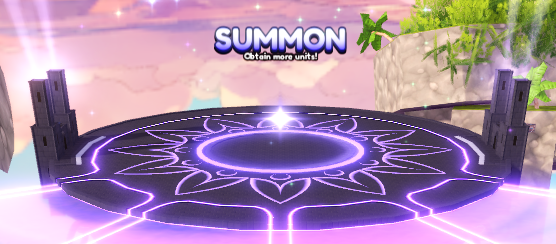
The Summon area has two banners, Banner A and Banner B. One banner refreshes at XX:15 and XX:45, while the other refreshes at XX:00 and XX:30. That means a banner refresh happens every 15 minutes.
Use the Tier List and Heroes pages before spending heavily so you know what you are chasing.
Mythic Pack
The Mythic Pack unlocks at level 3. Complete Dungeons to earn Mythic Shards, then spend 50 Mythic Shards to purchase a guaranteed Mythic from the pack.
The source guide lists Emperor and Barbette as the current Mythic Pack units at the time it was written.
Summon Settings
The settings icon in the top-right corner of the banner controls summon options. If you want summons to finish faster, enable Skip Summon Sequence.
Autosell Warning
The bottom-right corner of the banner has an option to autosell units pulled from the banner. In most cases, do not autosell. Units are usually more valuable as Fusion material.
Autoselling is only reasonable when your inventory is full, you cannot fuse or buy storage, or you urgently need Coins.
Alternate Banner Layout
Some regions, including the Netherlands and Belgium, may show a shop-style banner instead of the normal summon screen. This is due to local gambling rules. In that layout, the banner refreshes every 30 minutes, and buying a unit replaces it with another one.
| Rarity | Shop-style price |
|---|---|
| Rare | 50 Gems or 1 Summon Ticket |
| Epic | 100 Gems or 1 Summon Ticket |
| Legendary | 500 Gems |
| Mythic | 10,000 Gems |