
Unit Inventory Guide

Your inventory is more than storage. It protects important units, tracks collection rewards, and controls whether you waste or preserve Fusion material.
Sell Mode
Sell Mode is useful for bulk selling units for Coins, but selling is usually not worth it. Most extra units are better saved for Fusion.
UnitDex
UnitDex automatically records every hero you summon. It lets you review stats, abilities, and special attacks, and rewards Gems for new units.
| Rarity | UnitDex reward |
|---|---|
| Rare | 25 Gems |
| Epic | 50 Gems |
| Legendary | 100 Gems |
| Mythic | 200 Gems |
Locking Units
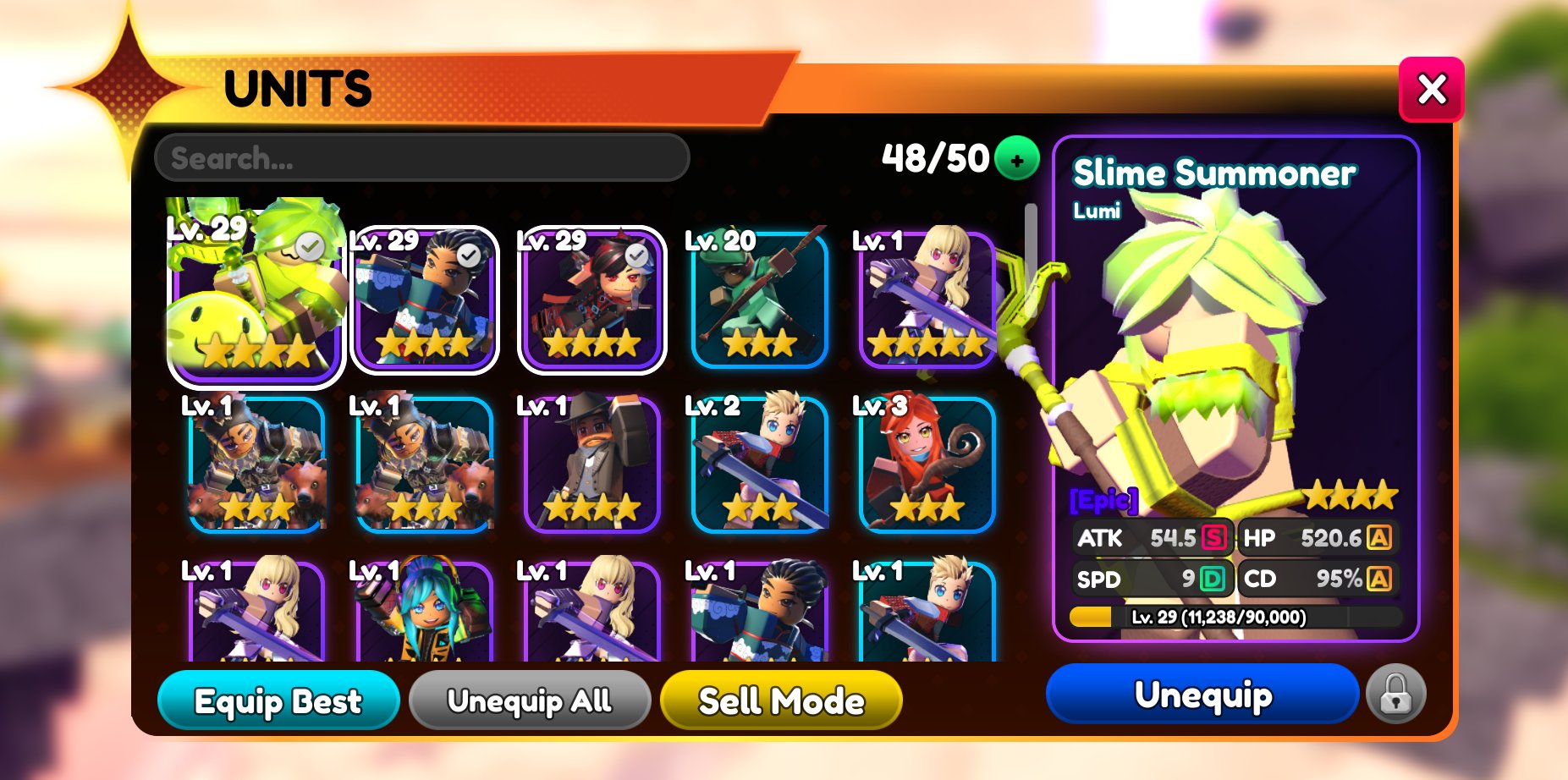
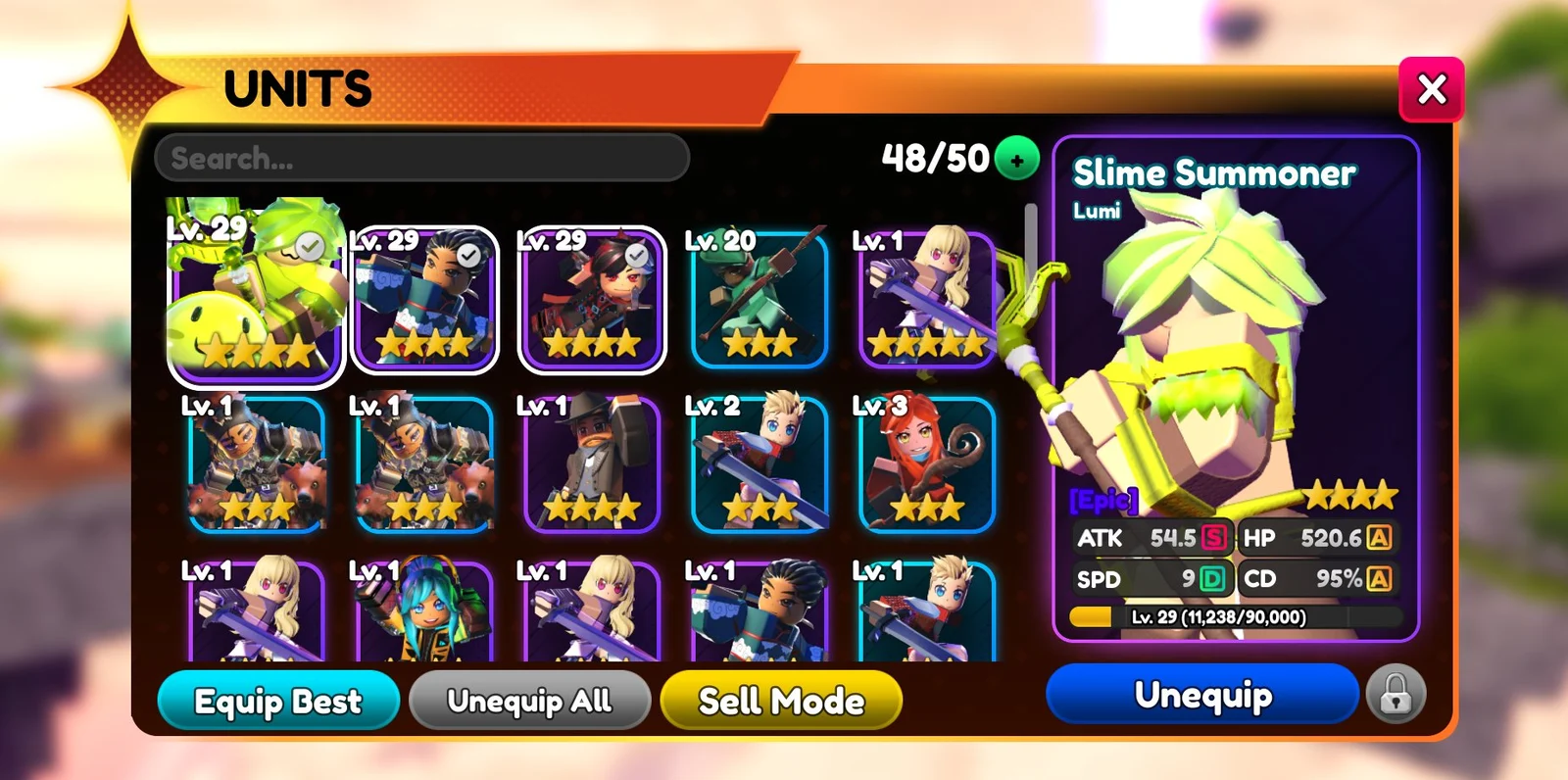
Lock units you do not want to accidentally sell or use as Fusion material. Use the lock button next to Equip before doing bulk inventory cleanup.
Storage Space
Your current and maximum unit storage are shown at the top of the Units page near the search bar. You can add 20 storage slots for 400 Gems by selecting the plus icon next to your storage maximum. The source guide lists 1,000 slots as the storage cap.
Finding Units
For the full unit list, use the Heroes page. For investment decisions, use the Tier List before spending expensive materials or Trait Rerolls.